
Twilio Console setup
This page is for TracsConnect operators who manage the shop’s Twilio account. Shop staff only need the TracsConnect setup window after these values are ready.
You should have:
- Access to the Twilio Console account that owns the sender phone number or messaging service
- Permission to view the Account SID and create API keys
- A text-capable sender phone number, or a Messaging Service with at least one sender in its sender pool
Step 1: Find the Account SID
Section titled “Step 1: Find the Account SID”Open Twilio Console and copy the Account SID for the account that will send shop messages. TracsConnect expects the Account SID to start with AC.
Step 2: Create an API key
Section titled “Step 2: Create an API key”Create an API key in Twilio Console and copy both the API Key SID and API Key Secret.
Twilio shows the secret only when the key is created. Keep it available until the TracsConnect setup window is saved, then store it according to your normal secret-management process.
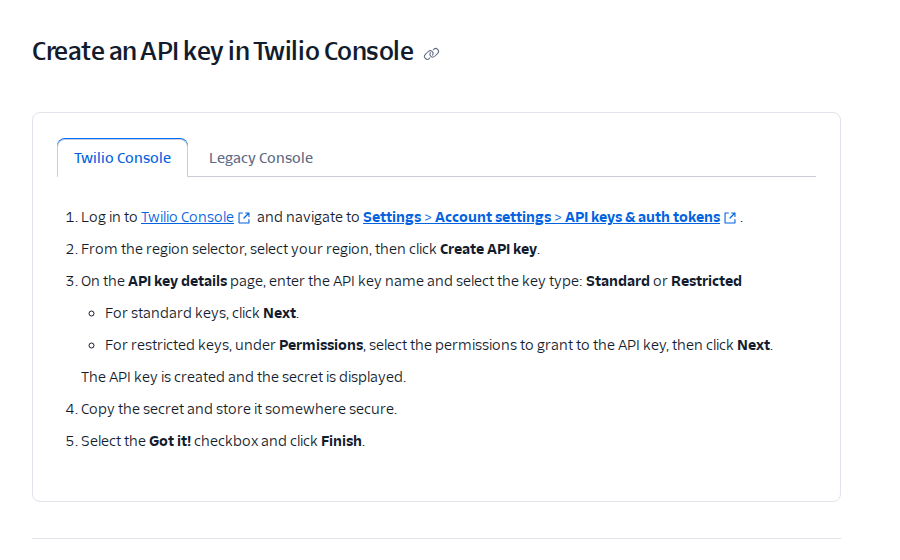
Reference: Create API keys in Twilio Console.
Step 3: Confirm the sender path
Section titled “Step 3: Confirm the sender path”TracsConnect can send through either a direct Twilio phone number or a Twilio Messaging Service.
Use a direct phone number when the shop has one text-capable sender and does not need Twilio’s service-level routing. Use a Messaging Service when the shop needs a sender pool, RCS, compliance routing, or Twilio-managed fallback behavior.
Step 4: Prepare a Messaging Service when needed
Section titled “Step 4: Prepare a Messaging Service when needed”If the shop uses RCS or service-level sender routing, create or review the Messaging Service in Twilio Console under Messaging > Services.
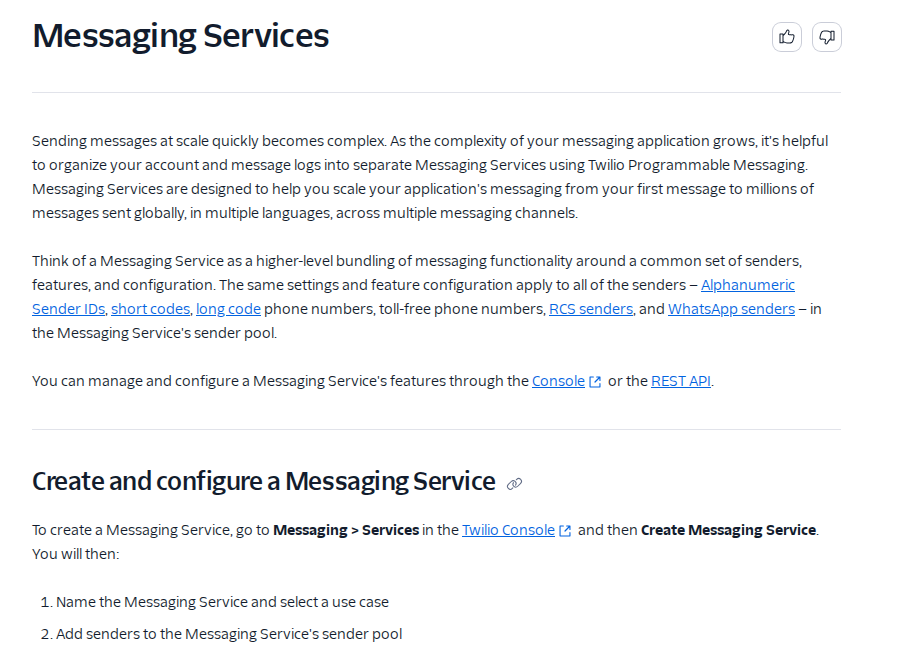
Reference: Messaging Services.
Step 5: Add a sender to the sender pool
Section titled “Step 5: Add a sender to the sender pool”A Messaging Service cannot send messages until it has at least one phone number or sender channel in its sender pool.
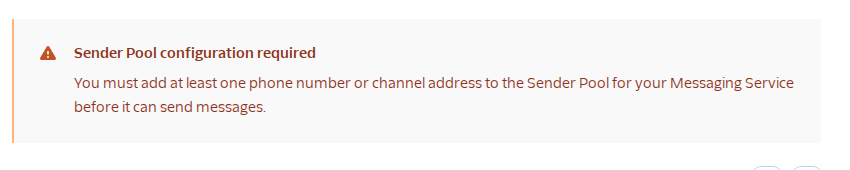
Reference: Get started with Messaging Services.
Step 6: Save the values for TracsConnect
Section titled “Step 6: Save the values for TracsConnect”Keep these values ready for the TracsConnect setup window:
- Account SID
- API Key SID
- API Key Secret
- Sender phone number, if using a direct sender
- Messaging Service SID, if using a Messaging Service
Open Connect to TracsConnect when these values are ready.
Do not send Twilio secrets through chat or support tickets. If a secret is lost before setup is complete, create a new Twilio API key.